
Hướng dẫn đăng nhập LMS dành cho giảng viên
 Võ Anh Thiện
5 phút đọc
3785 views
Võ Anh Thiện
5 phút đọc
3785 views

Hệ thống LMS (Learning Management System) là hệ quản lý học tập tiên tiến được áp dụng tại FPTU HCM nhằm:
•Nâng cao hiệu quả học tập, tương tác, trao đổi tài nguyên và thông tin giữa giáo viên,người hướng dẫn và sinh viên.
•Tạo môi trường học tập hiện đại.
• Quản lý học tập và quá trình học tập của sinh viên.
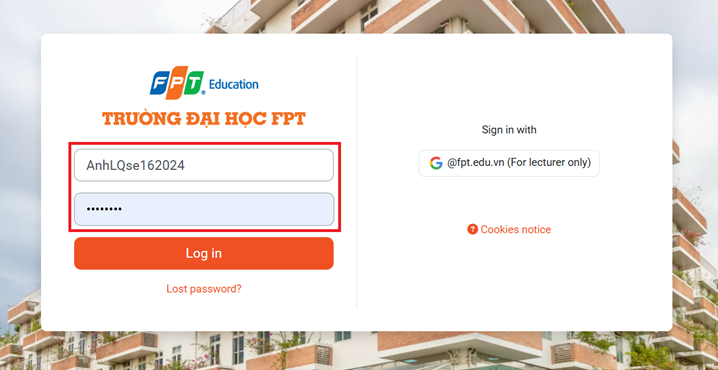
Để đăng nhập vào LMS HCM, giảng viên có thể làm theo các bước sau:
Bước 1: GV truy cập vào địa chỉ đăng nhập tại link: https://lms-hcm.fpt.edu.vn/
Rồi chọn "Log in email @fpt.edu.vn"
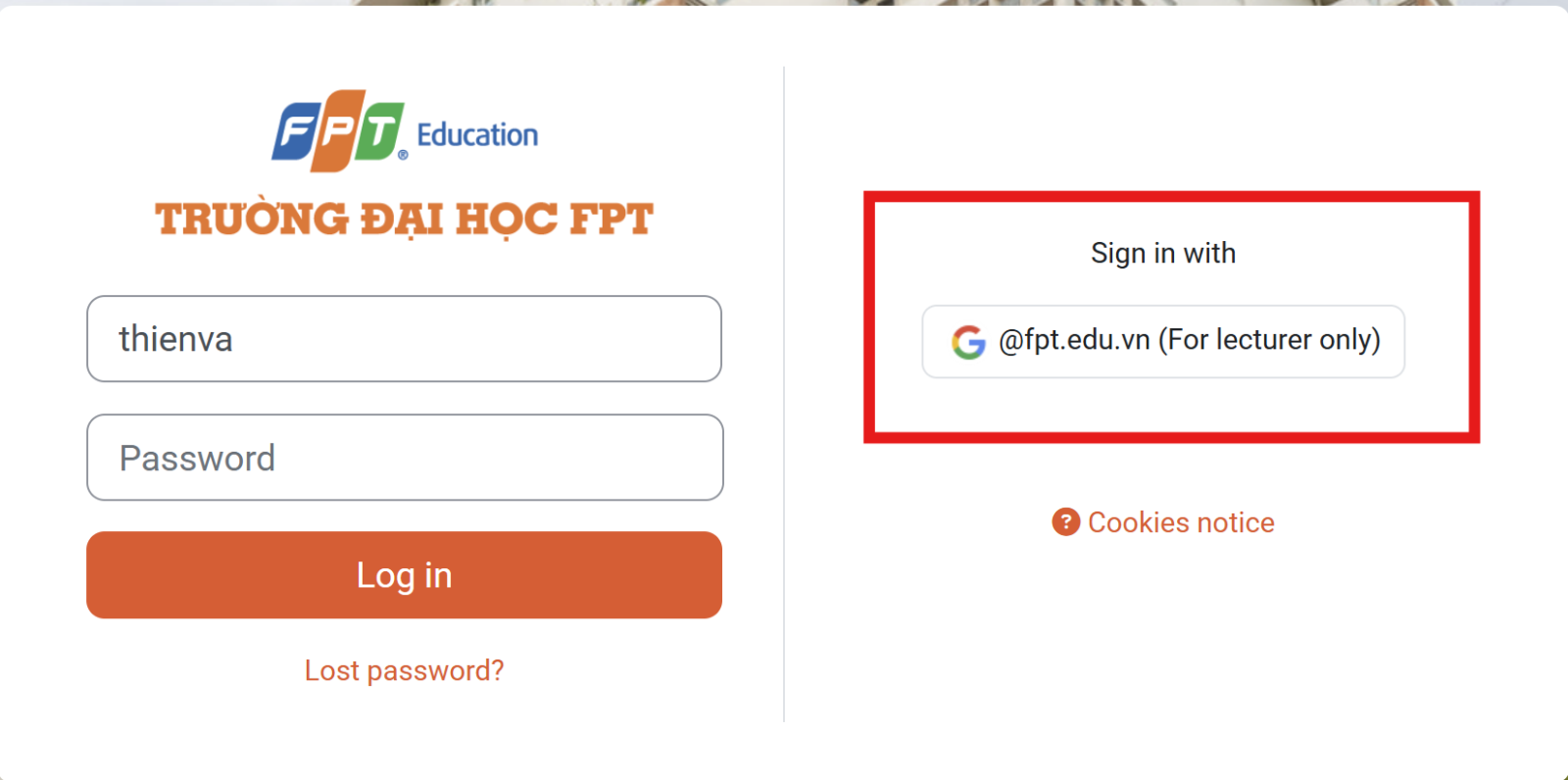
Bước 2: Tại mục Sign in chọn: đăng nhập bằng email @fpt.edu.vn đã được Nhân Sự cung cấp. Nếu không lưu sẵn tài khoản email fpt, vui lòng chọn “Thêm tài khoản” và nhập email fpt và password đã được thay đổi.
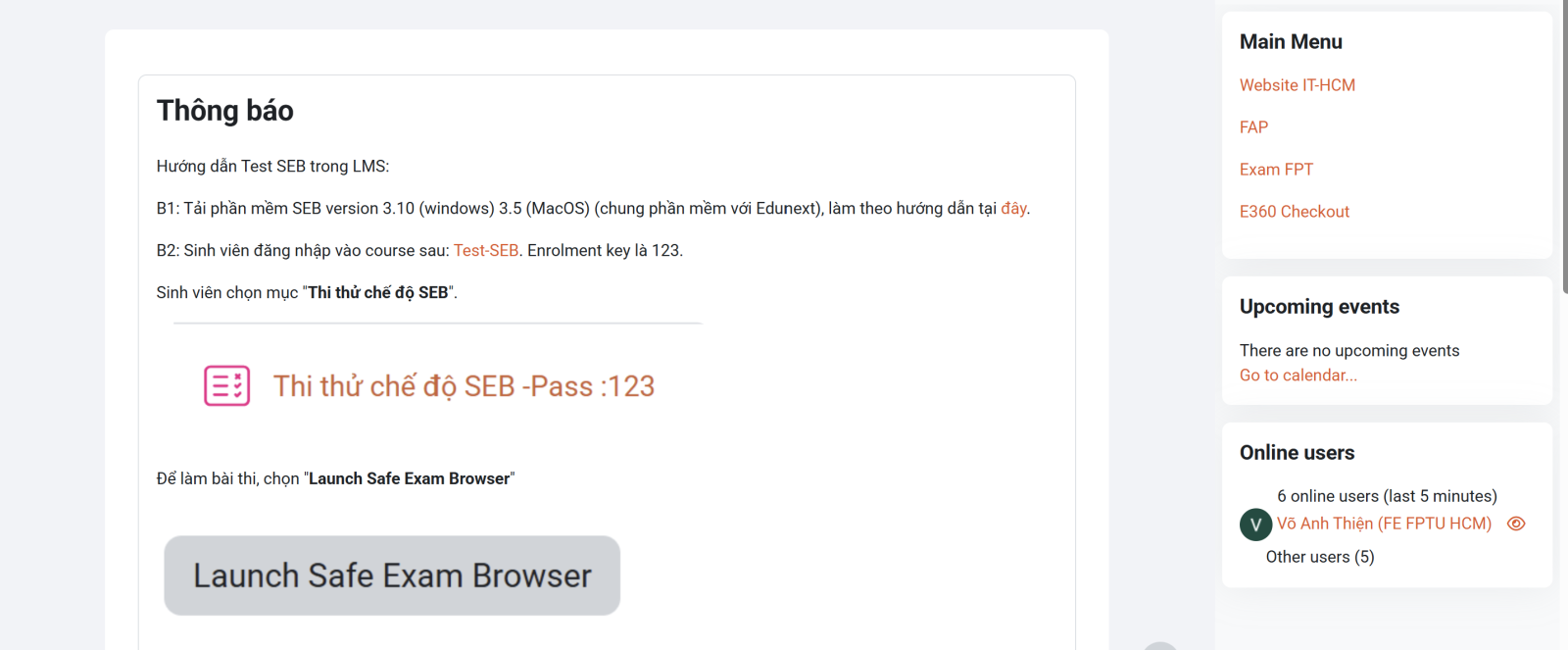
Bước 3: Sau khi đăng nhập bạn có thể thấy giao diện chính của LMS.
English
The LMS (Learning Management System) is an advanced learning management system implemented at FPTU HCM to:
• Enhance the effectiveness of learning, interaction, resource sharing, and information exchange between instructors, mentors, and students.
• Create a modern learning environment.
• Manage the learning process and academic progress of students.
To log in to the LMS HCM system, instructors can follow these steps:
Step 1: Access the login page via the link: https://lms-hcm.fpt.edu.vn/
Then select "Log in with email @fpt.edu.vn"
Step 2: In the Sign-in section, select to log in using the email @fpt.edu.vn provided by the HR department. If the FPT email account is not saved, please choose "Add account" and enter the FPT email and the updated password.
Step 3: After logging in, you will be able to view the main interface of the LMS.